⌥
Right Option
Tap the key
Press Right Option once, from any app. A small bar slides up at the bottom of your screen, ready for your question. Tap it again to hide it; nothing you typed is lost.
Tap ⌥ in any app and ask Claude or ChatGPT. The answer comes back right there, from your own chat. No switching to an AI tab.
Free · Claude and ChatGPT · macOS 14 or later
The usual way
The Noss way
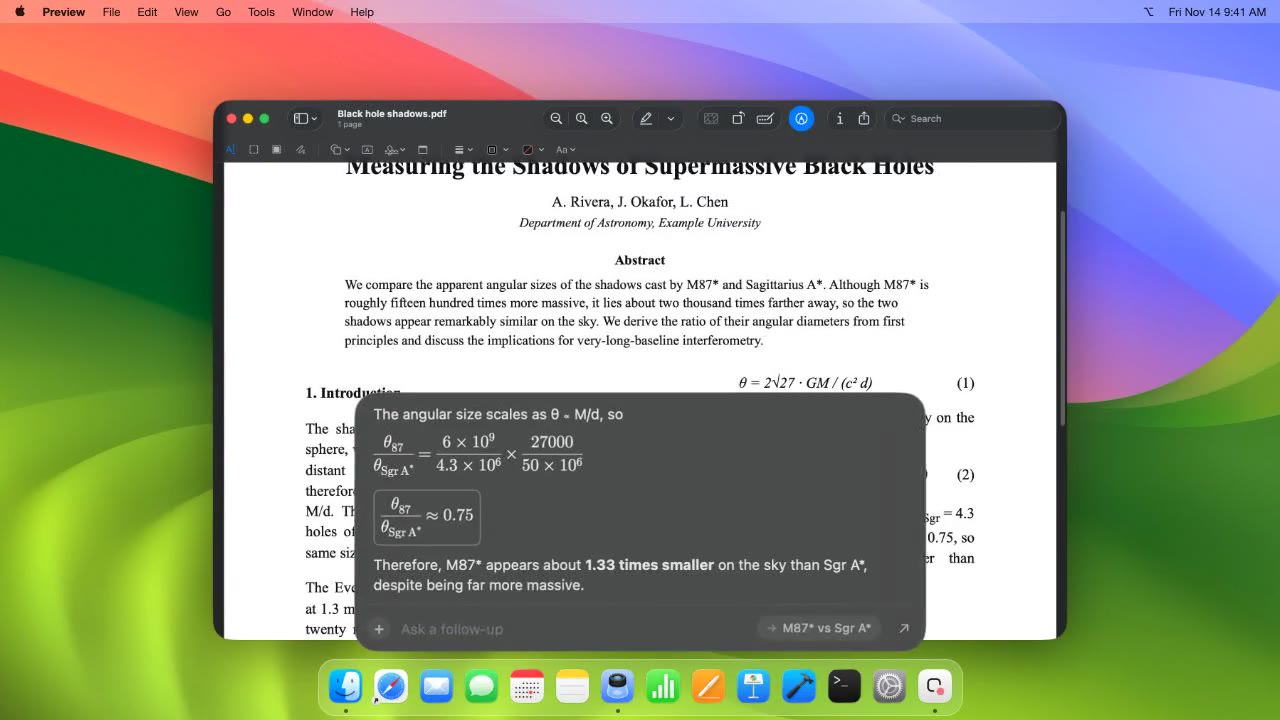
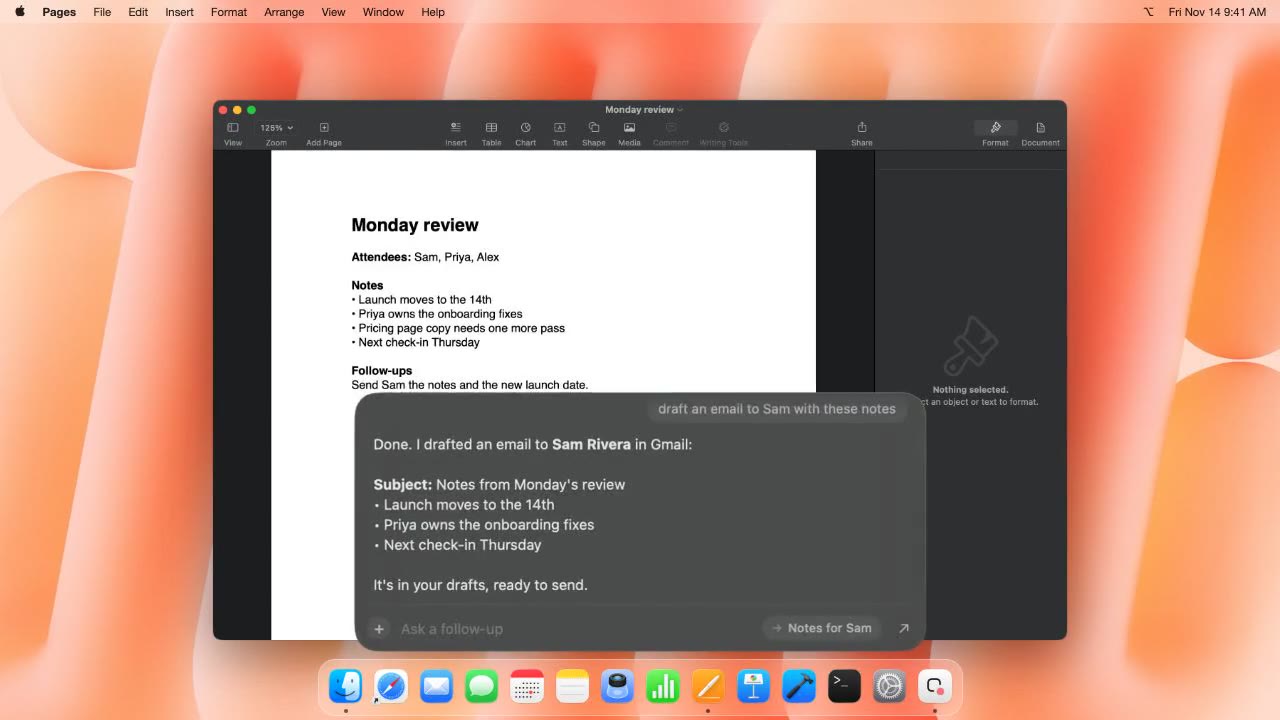
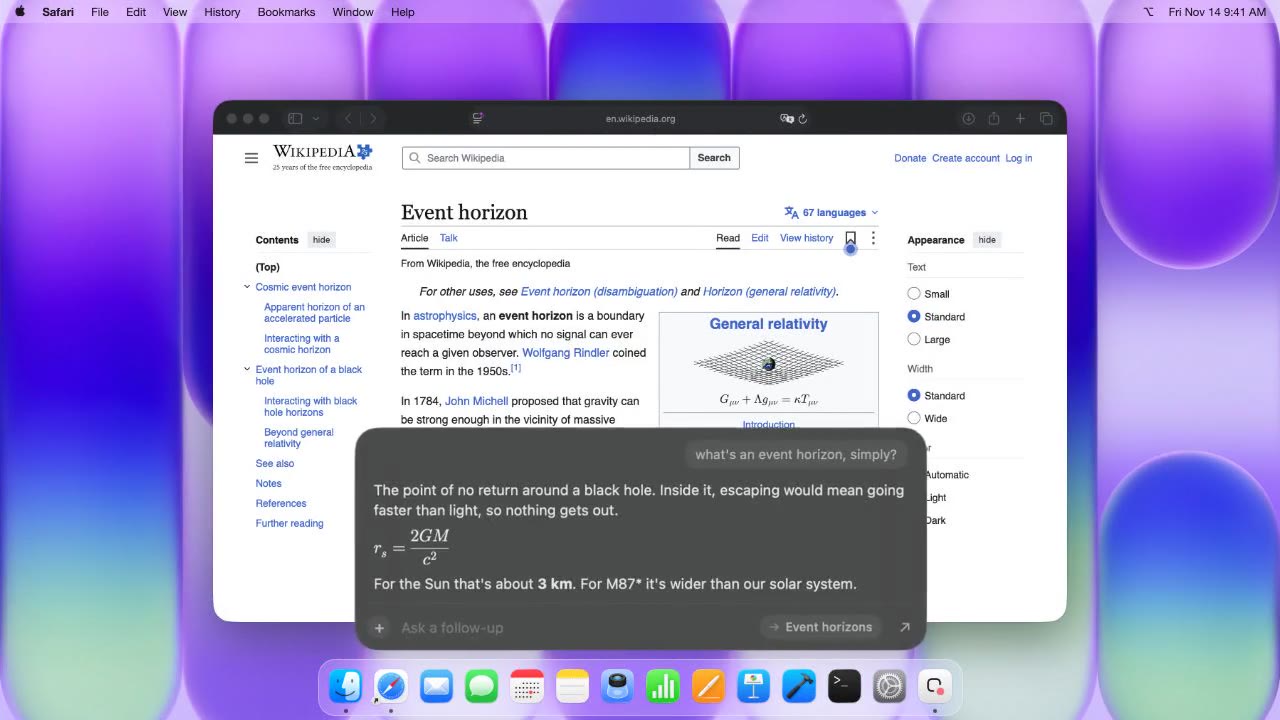
You never leave the window you're in. Noss asks your chat in the background and brings the answer back, math, tables and code included.
Right Option
Press Right Option once, from any app. A small bar slides up at the bottom of your screen, ready for your question. Tap it again to hide it; nothing you typed is lost.
Type it the way you'd ask a friend. Anything you copy while the bar is open comes along, and ⌃ adds the window you're looking at.
Press ⏎. The answer streams into the bar, with math, tables and code drawn properly. Ask a follow-up, or open the chat in your browser.
Copy anything while the bar is open and it goes in as text, formatting intact. Code stays code.
Start a new chat, or pick any Claude or ChatGPT chat from the bar and see the conversation so far. Typing “in my sourdough chat” works too.


Claude or ChatGPT, in Safari or Chrome. Your projects, connectors and history all come along: anything your Claude can do, Noss can ask for. The browser never jumps in front of you.
What you ask goes only to your own chat. Noss counts things like how many questions get sent, under a random ID, and never your words, screenshots or answers. Turn that off in Settings.
Open Noss.dmg and drag Noss into Applications.
Pick Claude or ChatGPT and your browser, and allow the keyboard shortcut. Noss walks you through it.
Ask about whatever's on your screen. The answer comes to you.
macOS 14 or later · Apple silicon and Intel · 4.5 MB
Yes. No account and no card. It uses the Claude or ChatGPT account you already have, so messages count against your normal plan.
A Mac on macOS 14 Sonoma or later, and Claude or ChatGPT open in Safari or Chrome, signed in.
From your own chat. Noss types your question into Claude or ChatGPT in the background and reads the answer back into the bar. It's all in your chat history too, so you can pick it up in the browser any time.
What you typed or said, anything you copied while the bar was open, and any window you added with ⌃. Hover a thumbnail to see it, click × to drop it. It goes to your chat and nowhere else.
No. Noss doesn't use the microphone at all. You type your question, and it goes only to your own chat.
Anonymous counts, like how many questions were sent and whether setup finished, under a random install ID. Never your words, screenshots, copied text, chat names or answers. Switch it off in Settings.
Click Get help below and tell me what happened. If you can, attach ~/Library/Logs/Noss.log. It only has timings and errors, never what you said.
Ask about anything on your screen, and read the answer without leaving it.